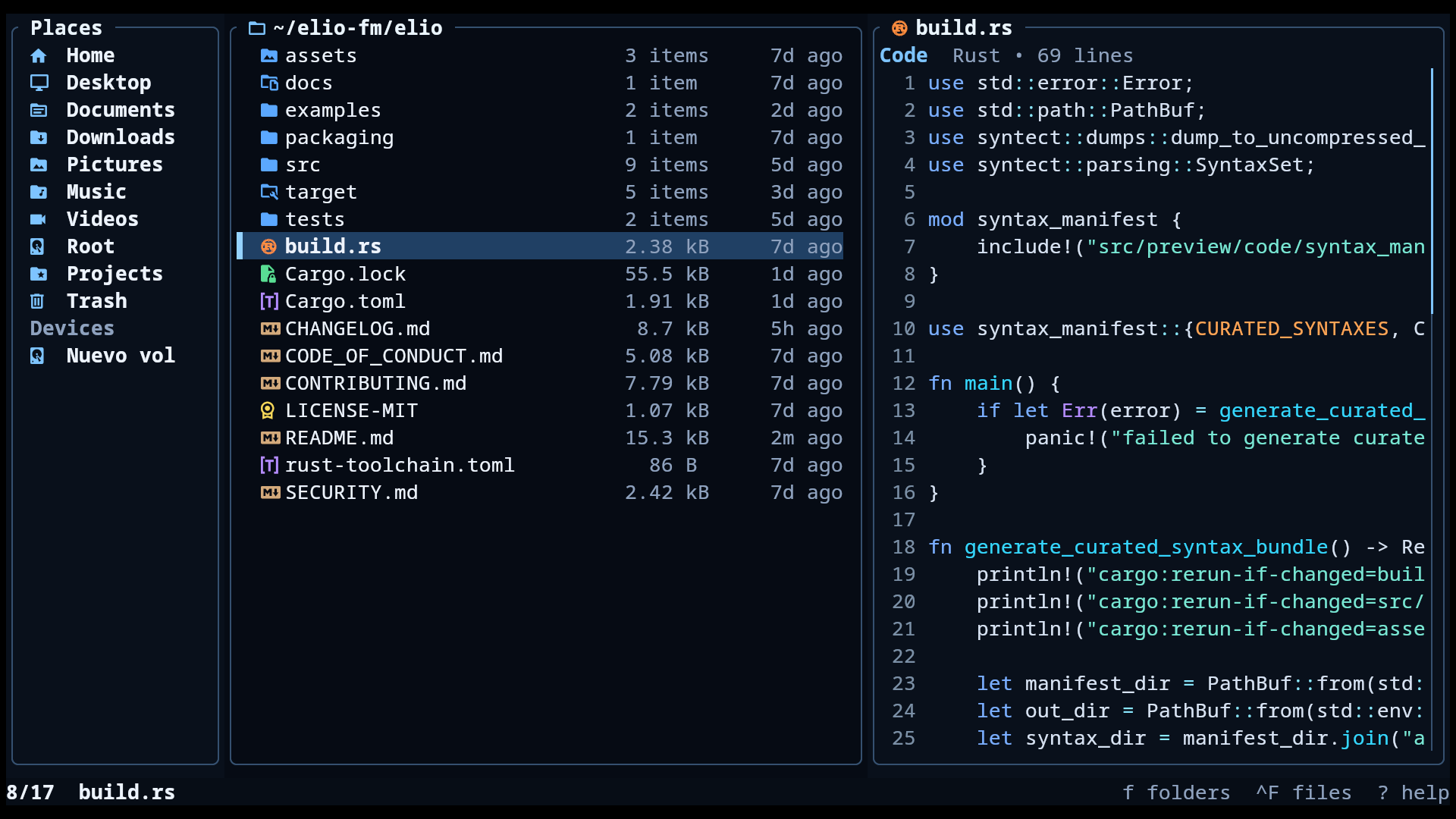
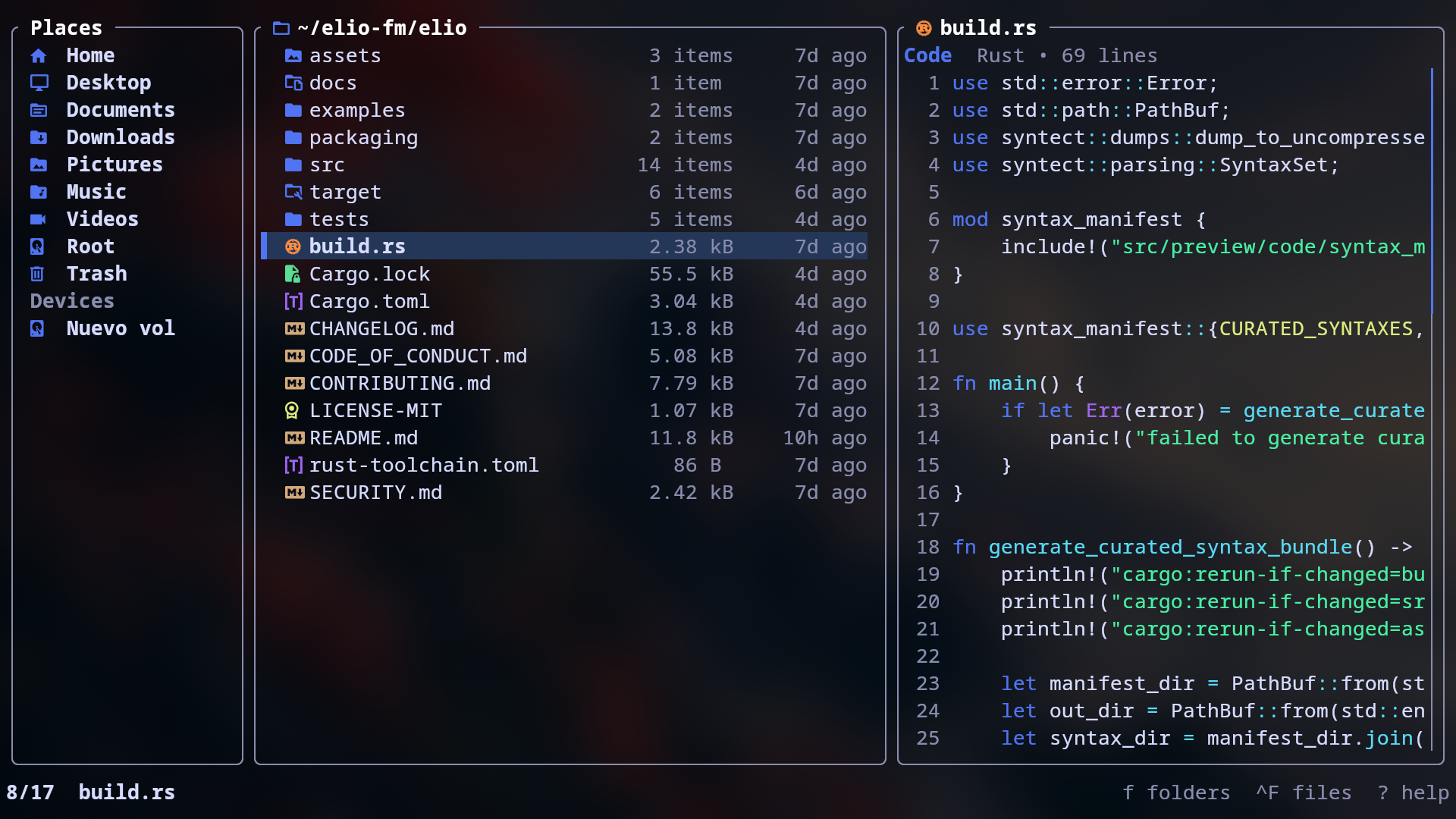
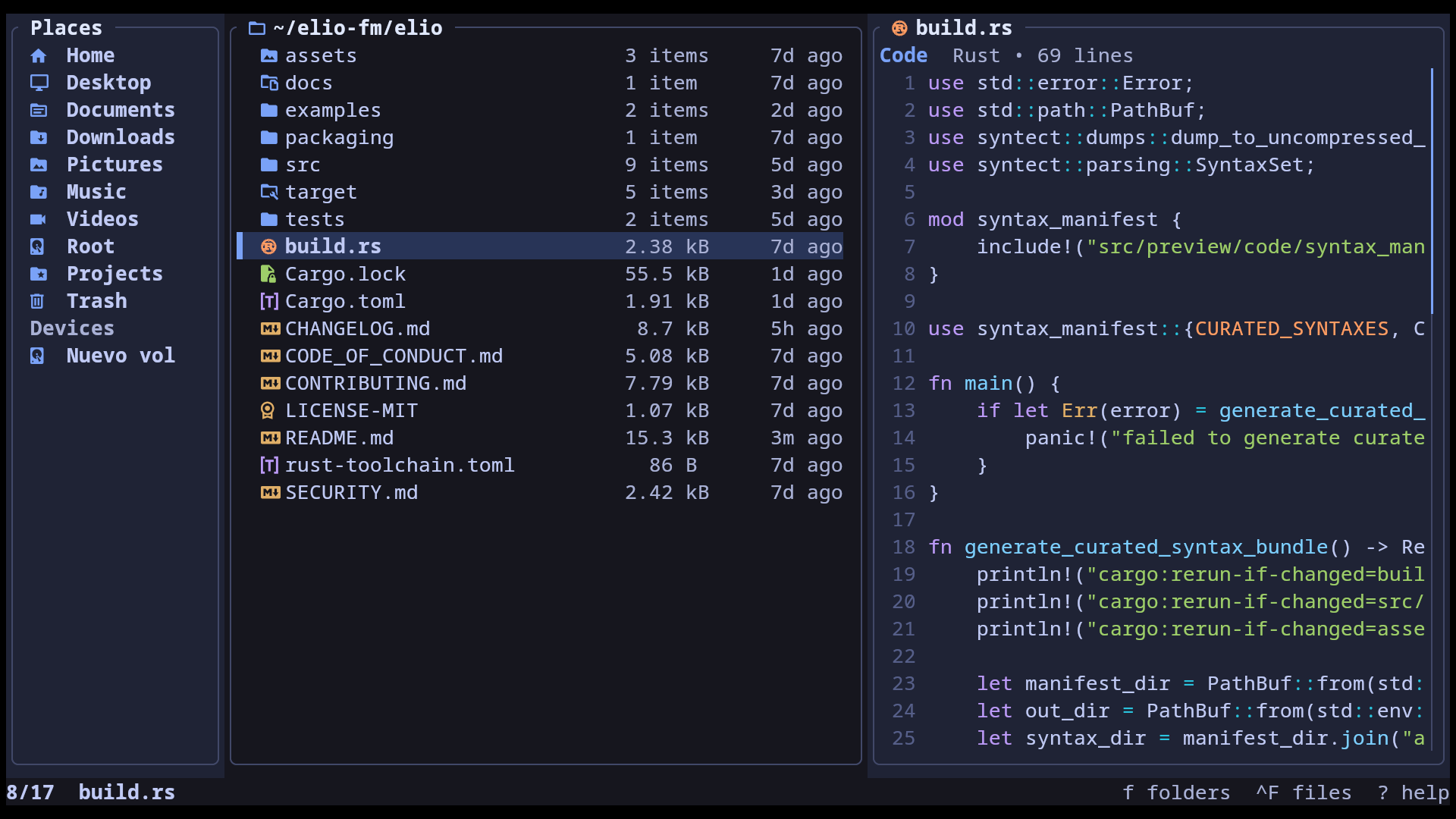
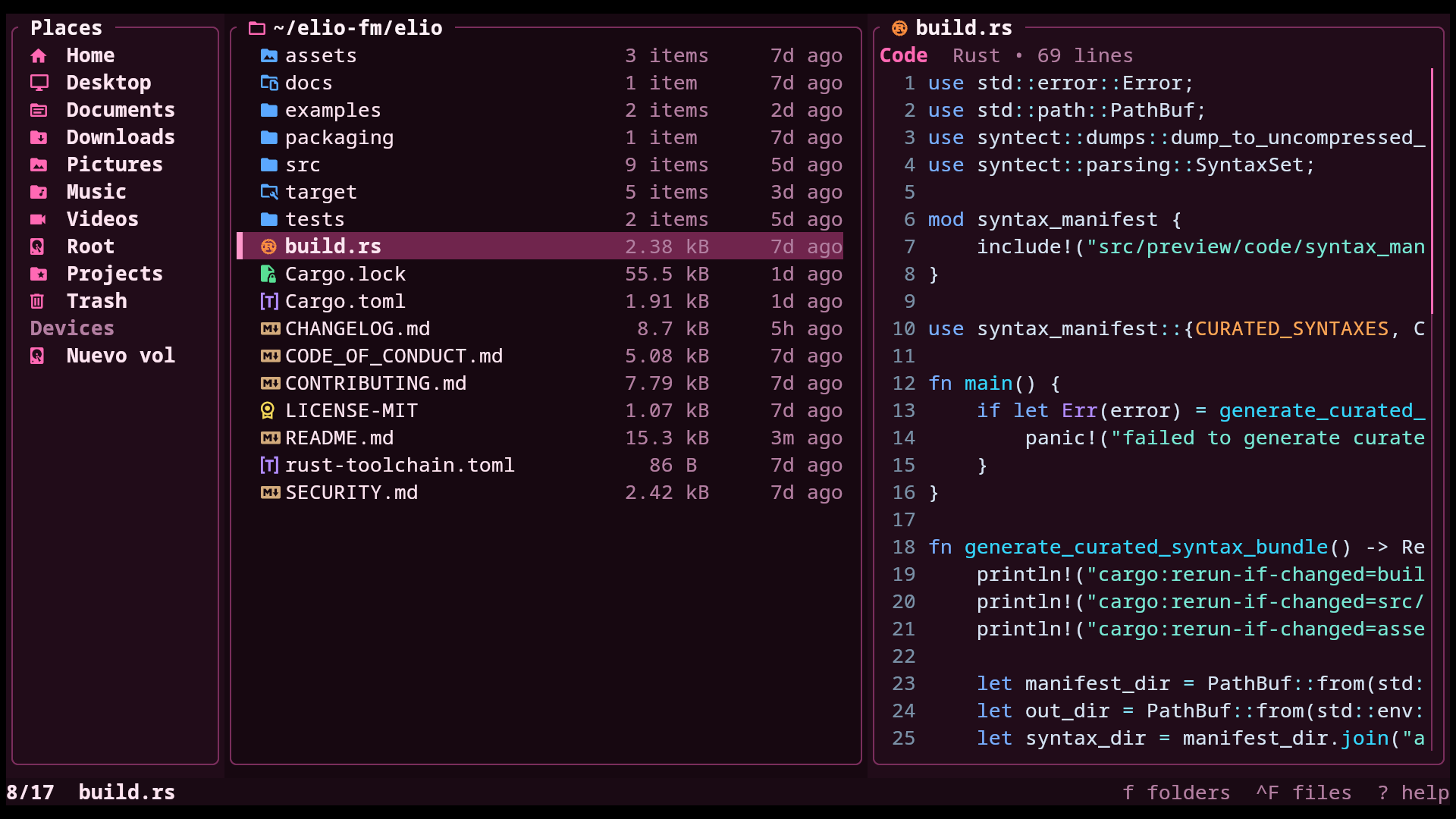
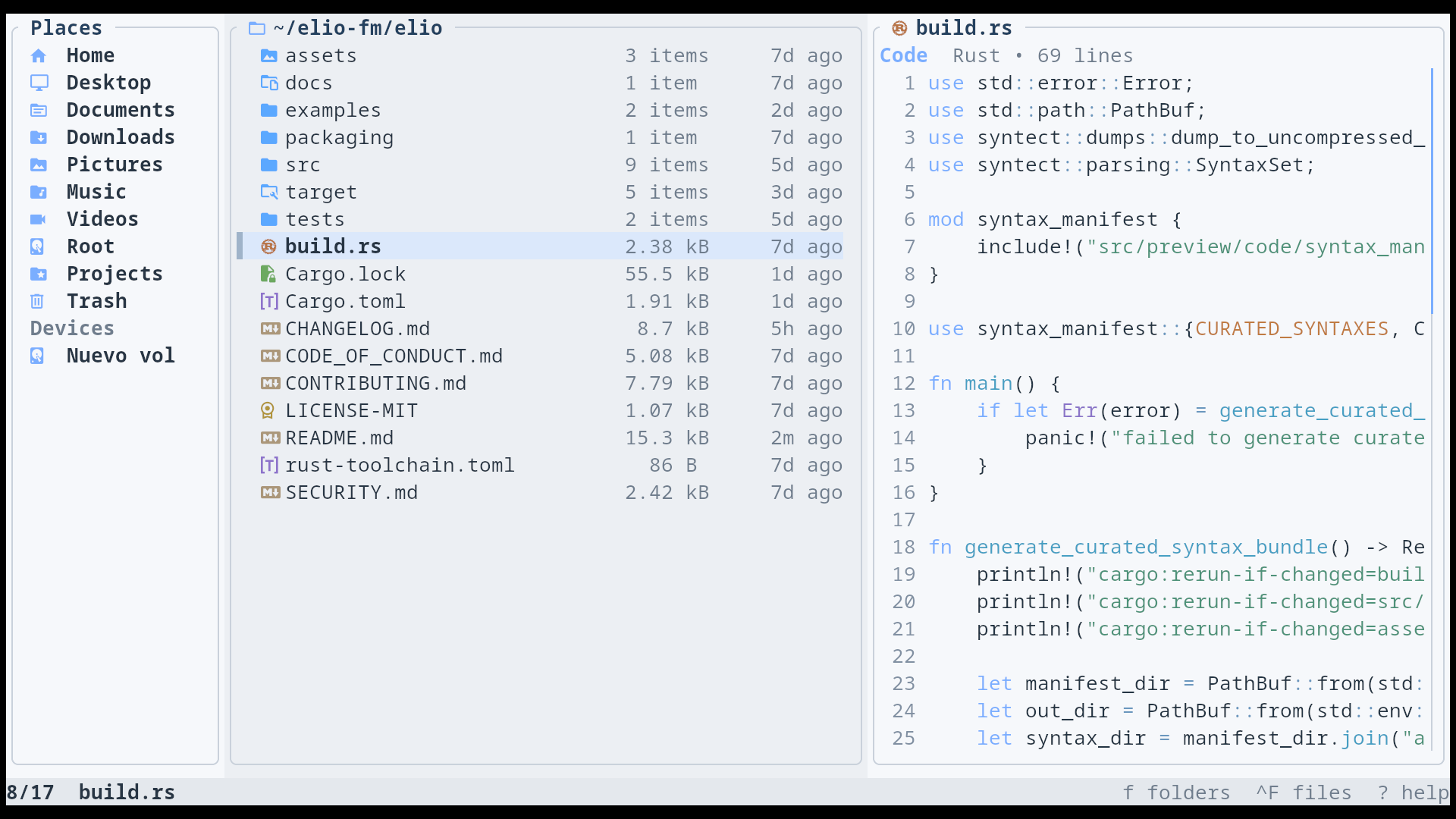
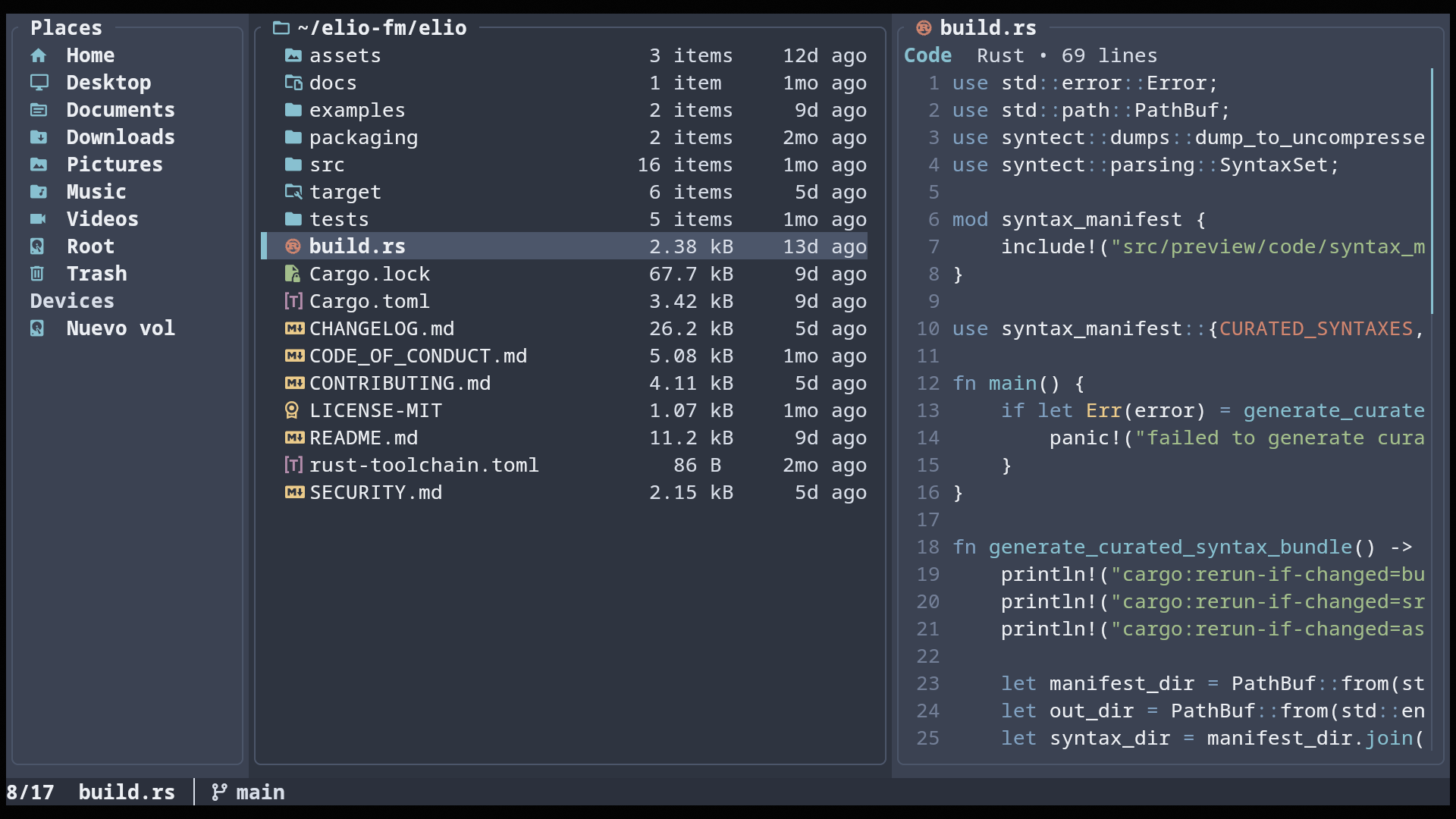
Adaptive layout
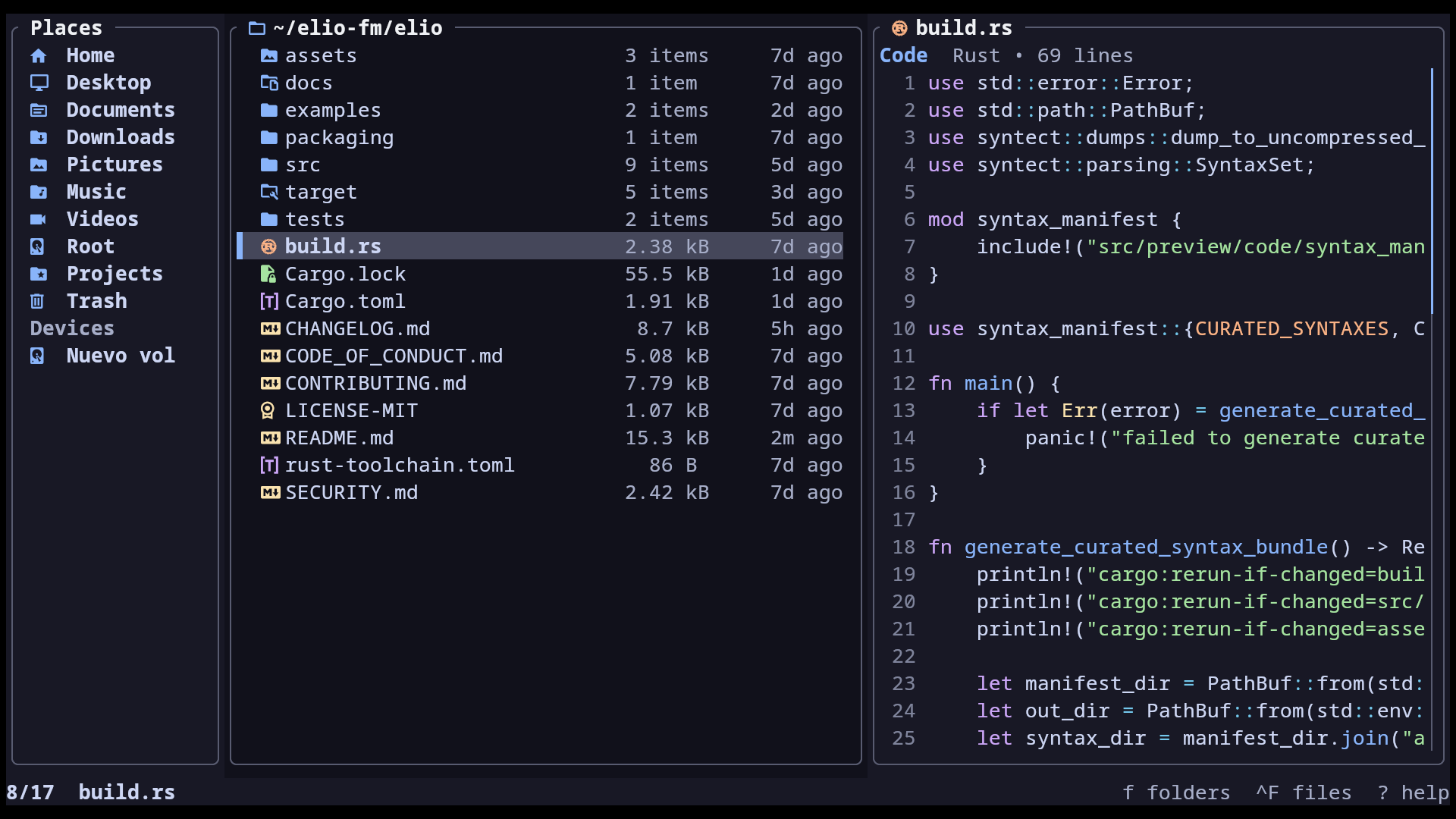
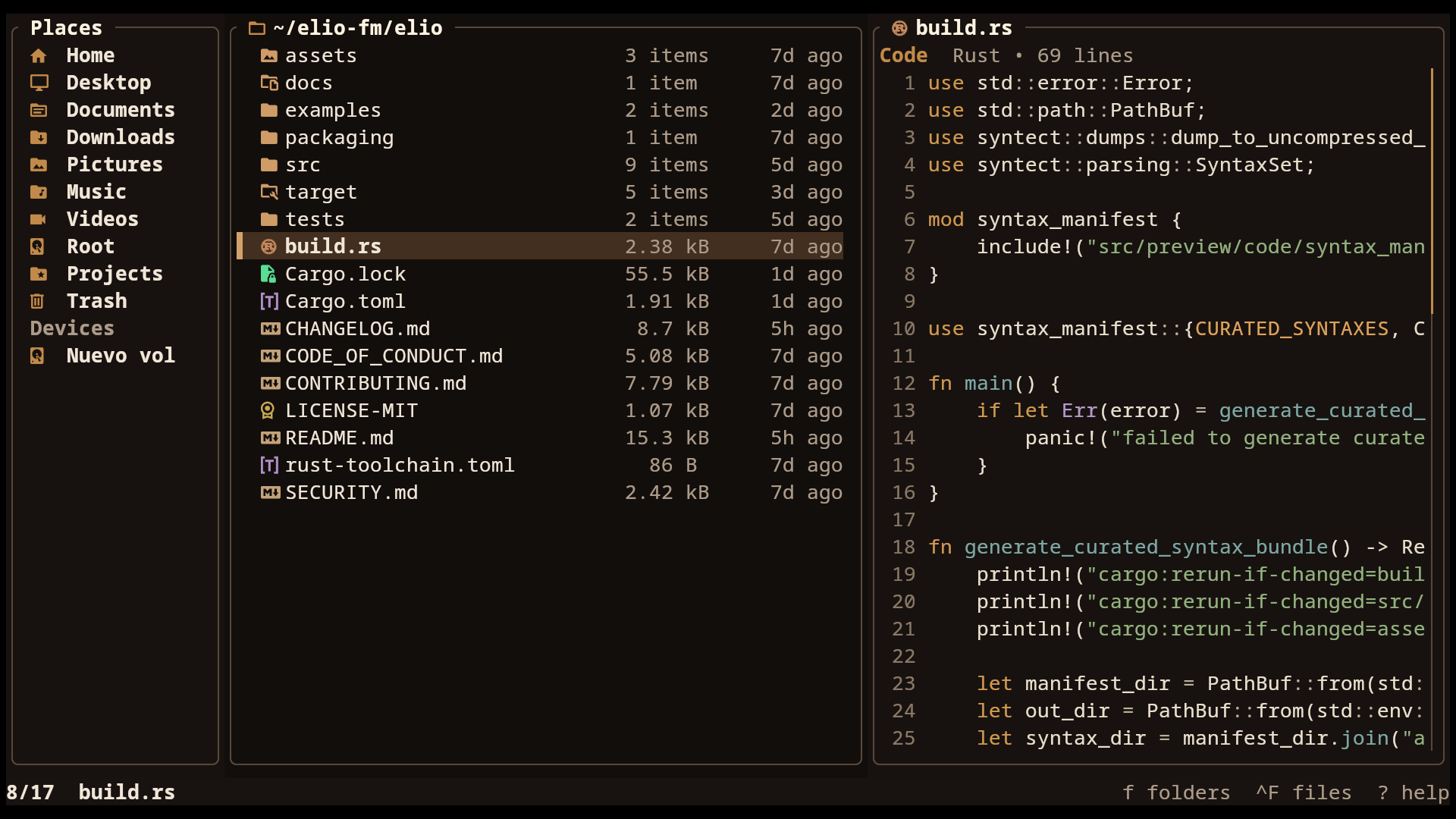
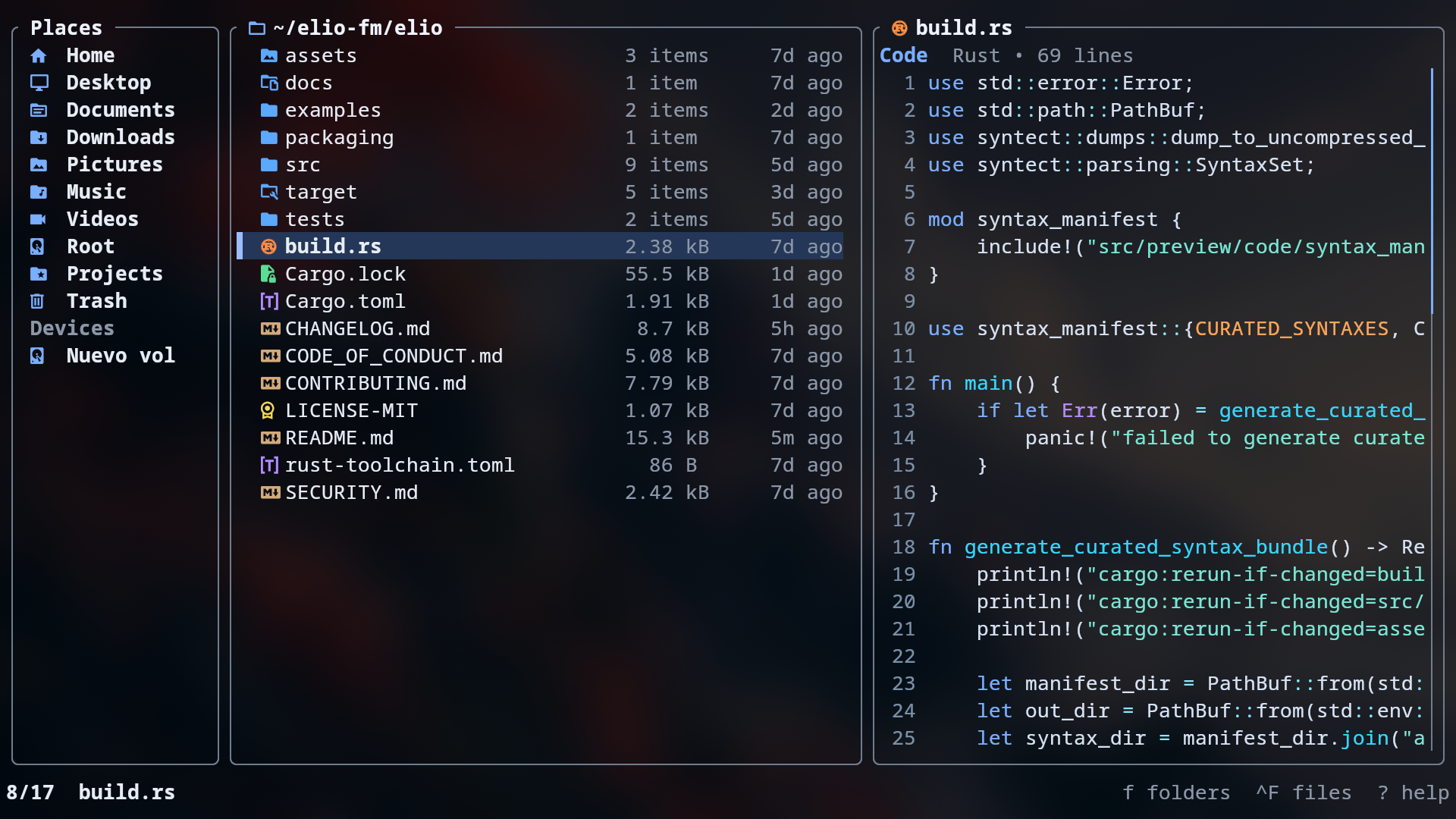
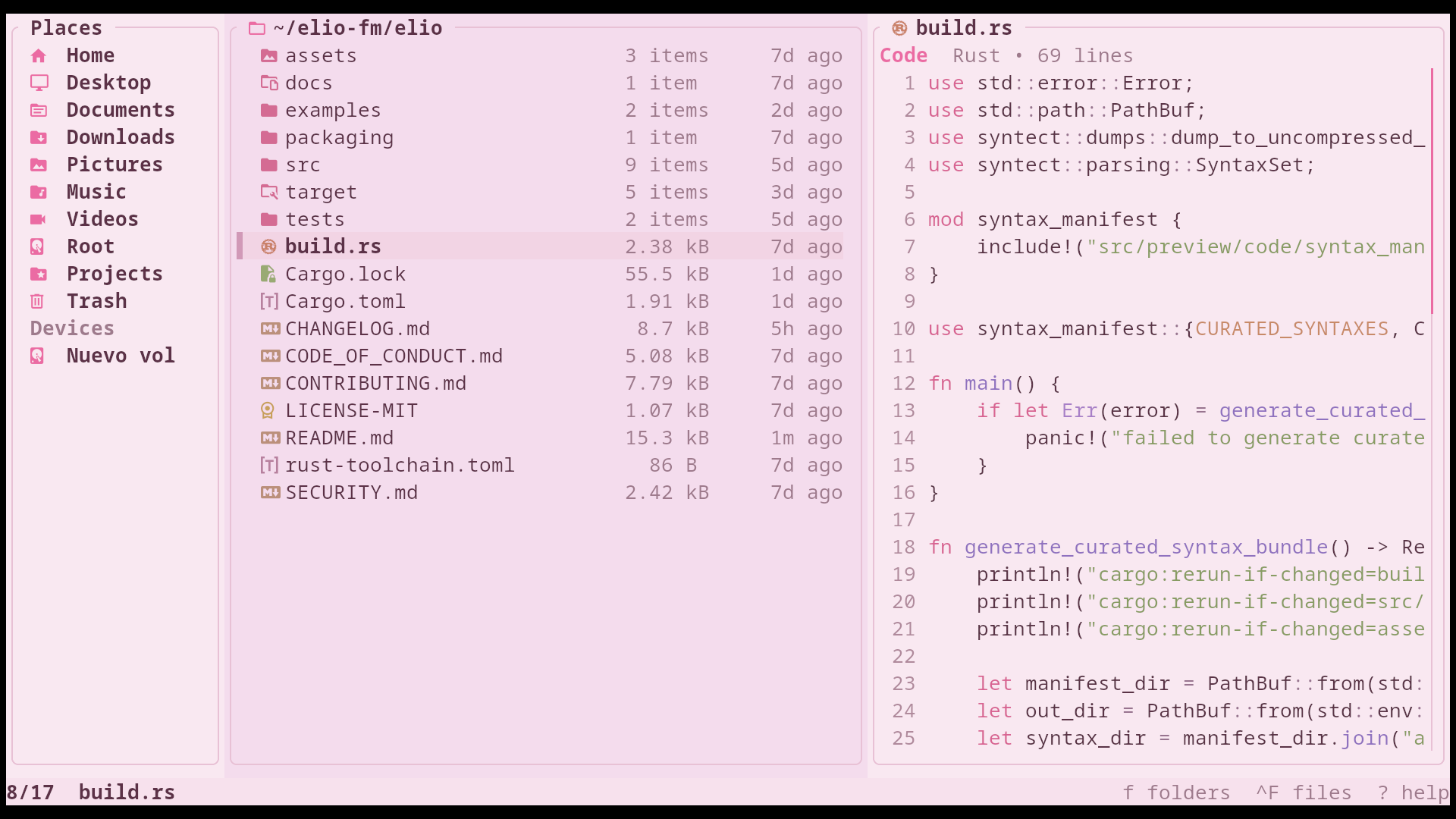
Panes adapt to terminal size for the layout to stay clear and readable.

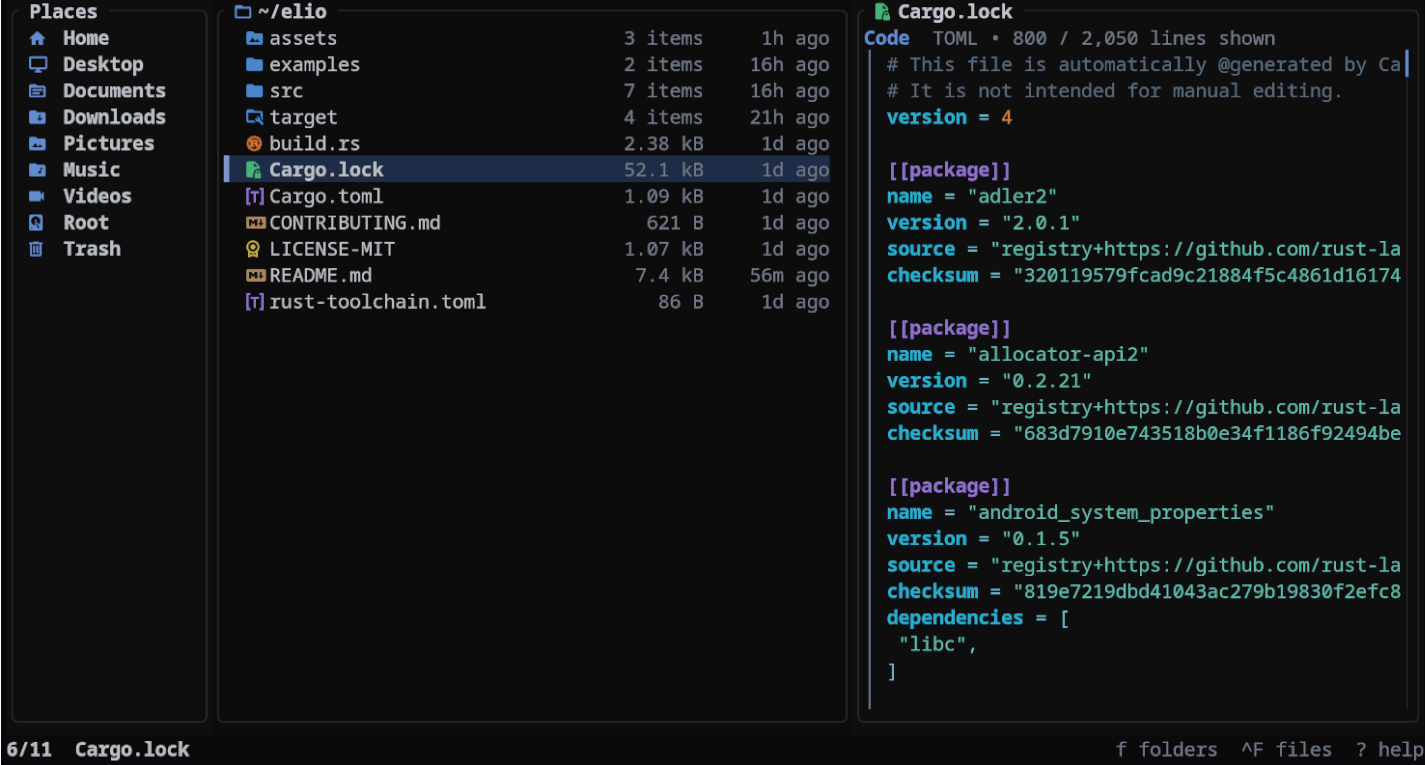
Snappy, batteries-included terminal file manager
Use your preferred package manager.
paru -S elioPanes adapt to terminal size for the layout to stay clear and readable.
Images, PDFs, ebooks, comics, media, archives, Markdown, text, code, and more.
Create and extract archives, including password-protected ones.
Create, rename, copy, move, trash, or delete multiple items at once.
Save destinations and jump to any of them in a few keystrokes.
Choose from the applications installed on your system.
Find files with identical contents and safely choose what to keep.
Trash, restore, or permanently delete files on Linux, macOS, and BSD.
Switch between list and grid views, and zoom the grid as needed.