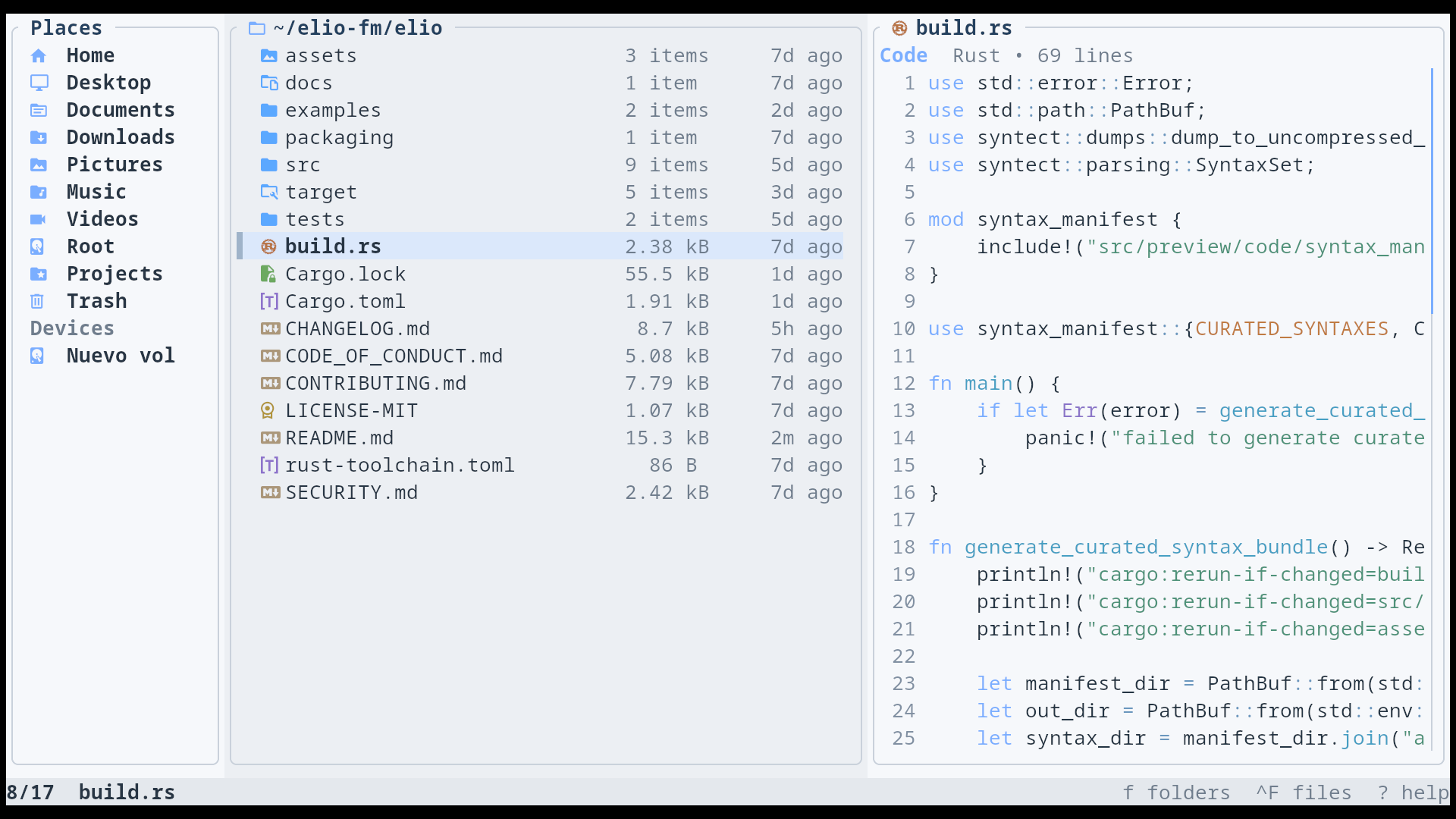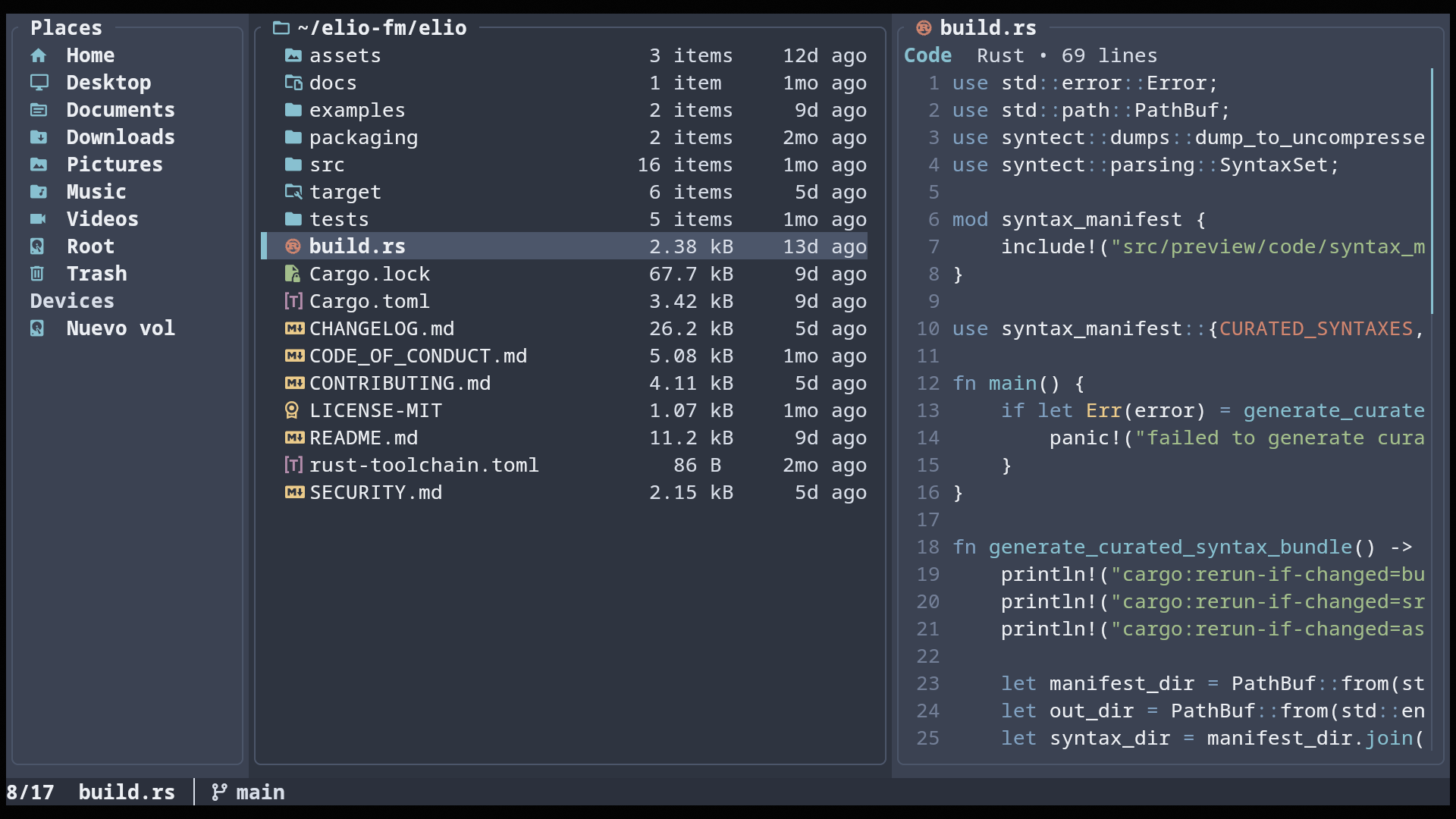
THEME

Themes

Customize elio by creating a theme.toml file and overriding only what you need.

THEME FILE

Where theme.toml lives

Create theme.toml in your config directory. You only need to include the values you want to change.

Linux / BSD ~/.config/elio/theme.toml or $XDG_CONFIG_HOME/elio/theme.toml
macOS ~/Library/Application Support/elio/theme.toml
Windows %APPDATA%\elio\theme.toml

THEME.TOML

What goes in theme.toml

Sections

  • [palette] App-wide colors for chrome, panels, borders, text, and selection.
  • [preview.code] Syntax colors for code previews.
  • [classes.<name>] Default icon and color for a file class.
  • [extensions.<ext>] Overrides by file extension.
  • [files."name"] Overrides by exact filename.
  • [directories."name"] Overrides by exact directory name.

EXAMPLES

Theme examples

Use these examples as a map for writing your own theme values.

Palette

# Colors accept #rrggbb, ansi-blue, indexed-12, none, or transparent.
[palette]
# App surfaces
bg = "#050505"               # page background
chrome = "#0c0c0c"           # top/outer chrome
chrome_alt = "#101010"       # alternate chrome surfaces

panel = "#121212"            # file/preview panels
panel_alt = "#0f0f0f"        # alternate panels
surface = "#161616"          # cards, inputs, overlays
elevated = "#1d1d1d"         # raised overlay surfaces

border = "#303030"           # pane/card borders
path_bg = "#111111"          # path bar background

# Text
text = "#e7edf5"             # primary text
muted = "#8c97a8"            # secondary text
chip_text = "#0c0c0c"        # text on bright chips

# Controls and states
accent = "#7aaeff"           # focused controls and links
accent_soft = "#1a2740"      # subtle accent backgrounds
accent_text = "#eef4ff"      # text on accent surfaces
selected_bg = "#243758"      # selected row background
selected_border = "#9cbcff"  # selected pane border

# Status markers
selection_bar = "#ffb24a"    # selected/marked item bar
yank_bar = "ansi-green"      # copied item bar
cut_bar = "ansi-red"         # cut item bar

These colors control the main interface, from panels and text to selections and status markers.

Code previews

[preview.code]
bg = "none"                 # preview background; none = transparent
fg = "#d7e3f4"              # normal code text
line_number = "#7b90a7"     # gutter line numbers
line_highlight = "#151515"  # active/current line

comment = "#6f8399"         # comments
string = "#79e7d5"          # quoted strings
keyword = "#7aaeff"         # language keywords
function = "#36d7ff"        # function names
invalid = "#ff8585"         # invalid/error tokens

These colors only affect syntax-highlighted previews, not the file list or app chrome.

File classes

[classes.directory]
icon = "󰉋"         # folder icon
color = "#5ba8ff"  # folder color

[classes.code]
icon = "󰆍"         # default code-file icon
color = "#38d5ff"  # default code-file color

[classes.config]
icon = "󰒓"         # default config-file icon
color = "#b38cff"  # default config-file color

Classes are the default icon and color after elio detects the entry kind. Override a class when you want all files of that kind to change.

directorysymlink_directorybroken_symlinkcodeconfigdocumentlicenseimageaudiovideoarchivefontdatafile

Extensions and exact names

[extensions.rs]
class = "code"     # reuse the code class
icon = ""         # Rust icon
color = "#dea584"  # Rust file color

[files."Cargo.toml"]
class = "config"   # exact filename override
icon = ""

[directories."node_modules"]
icon = "󰏗"         # exact directory-name override
color = "#6f7d8d"  # directory color

Use these for special cases. Exact file and directory names win over extensions; extensions win over class defaults. Matching is case-insensitive.

Use the default theme as the full reference

Copy only the values you want to change. Missing keys keep the built-in defaults.

View default/theme.toml

Start from a bundled theme

Bundled themes show complete palettes and larger file-rule sets. Copy one when you want a full theme, not just a few overrides.

Browse examples/themes

BUNDLED THEMES

Bundled examples

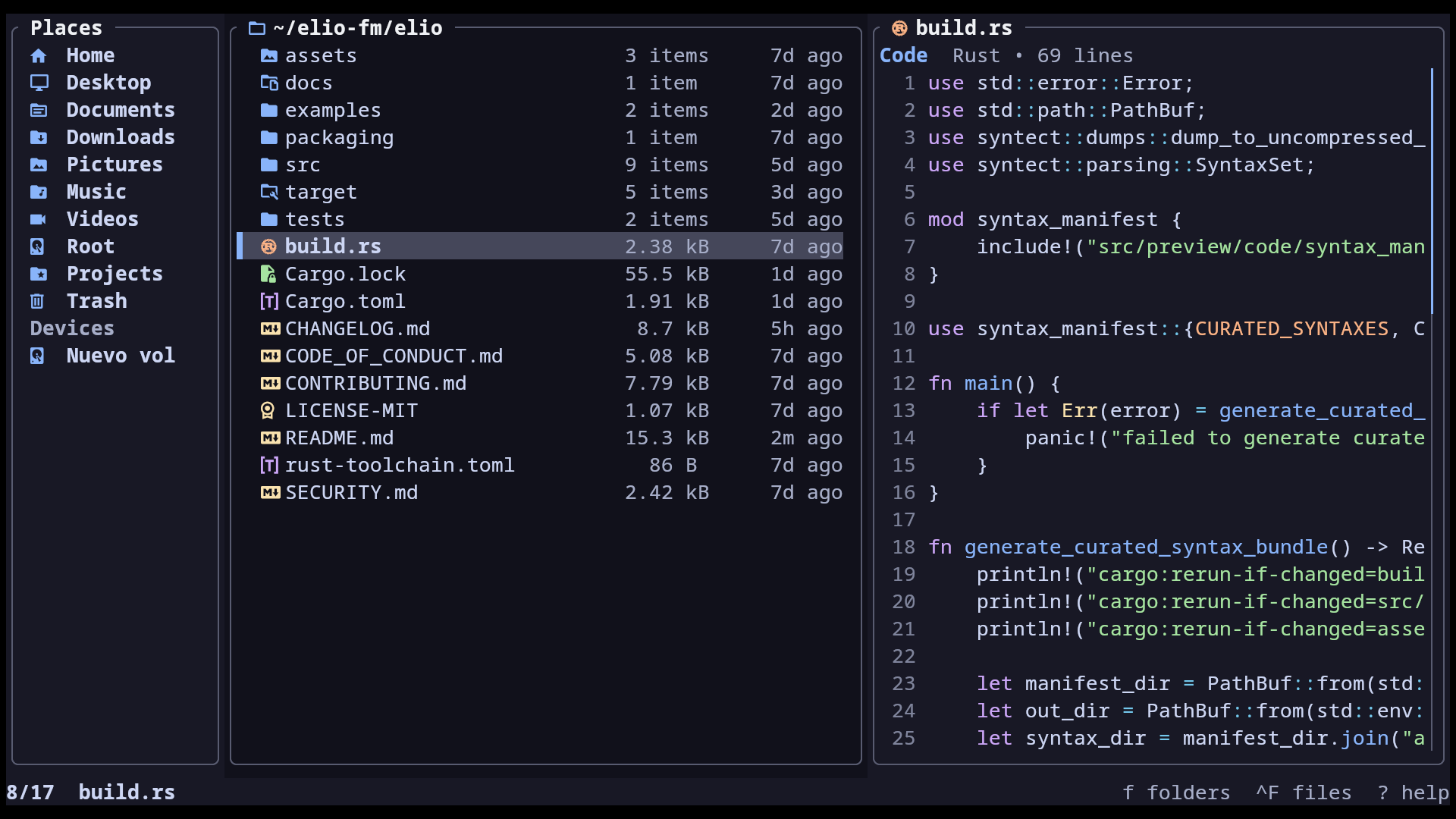
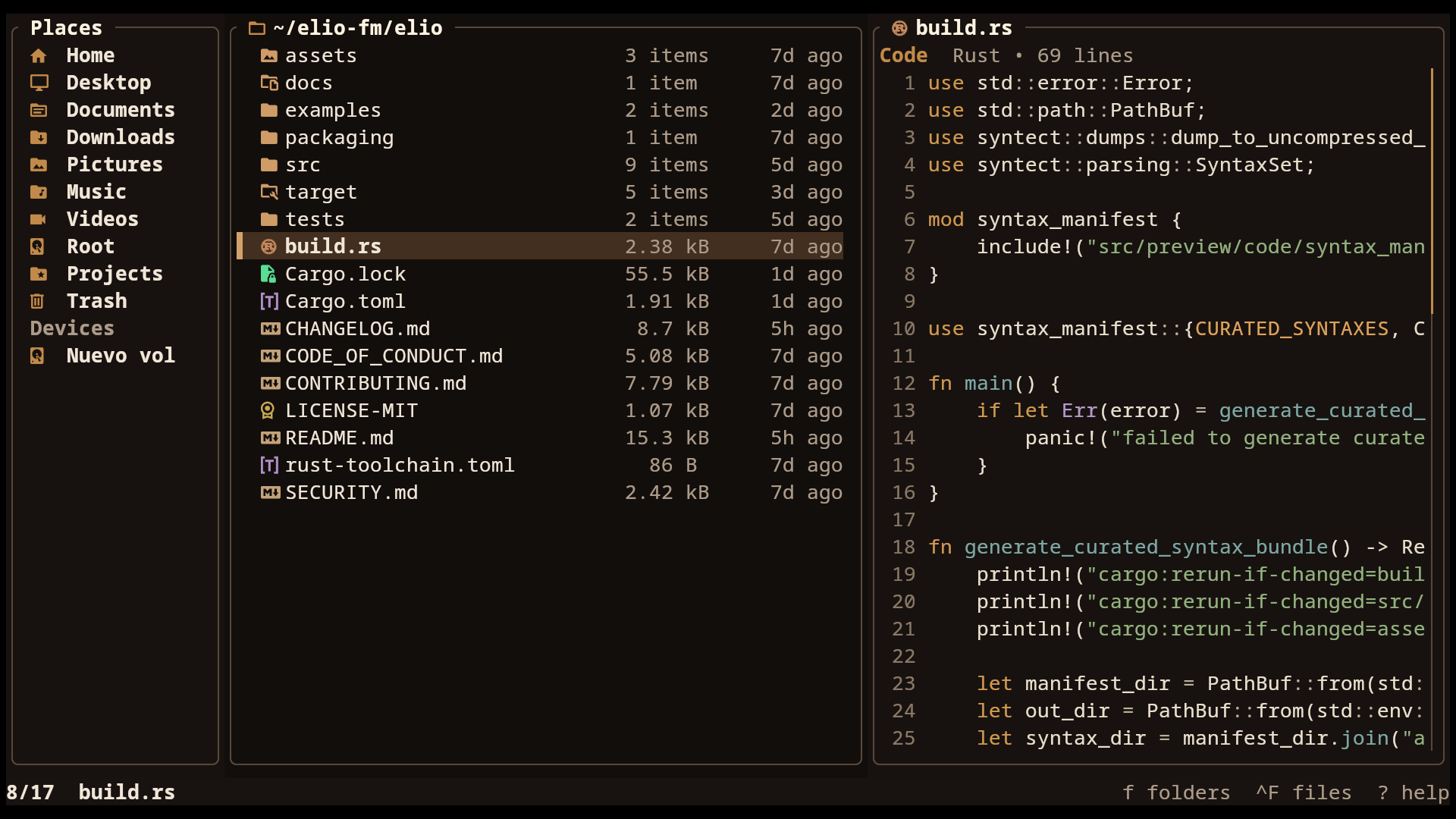
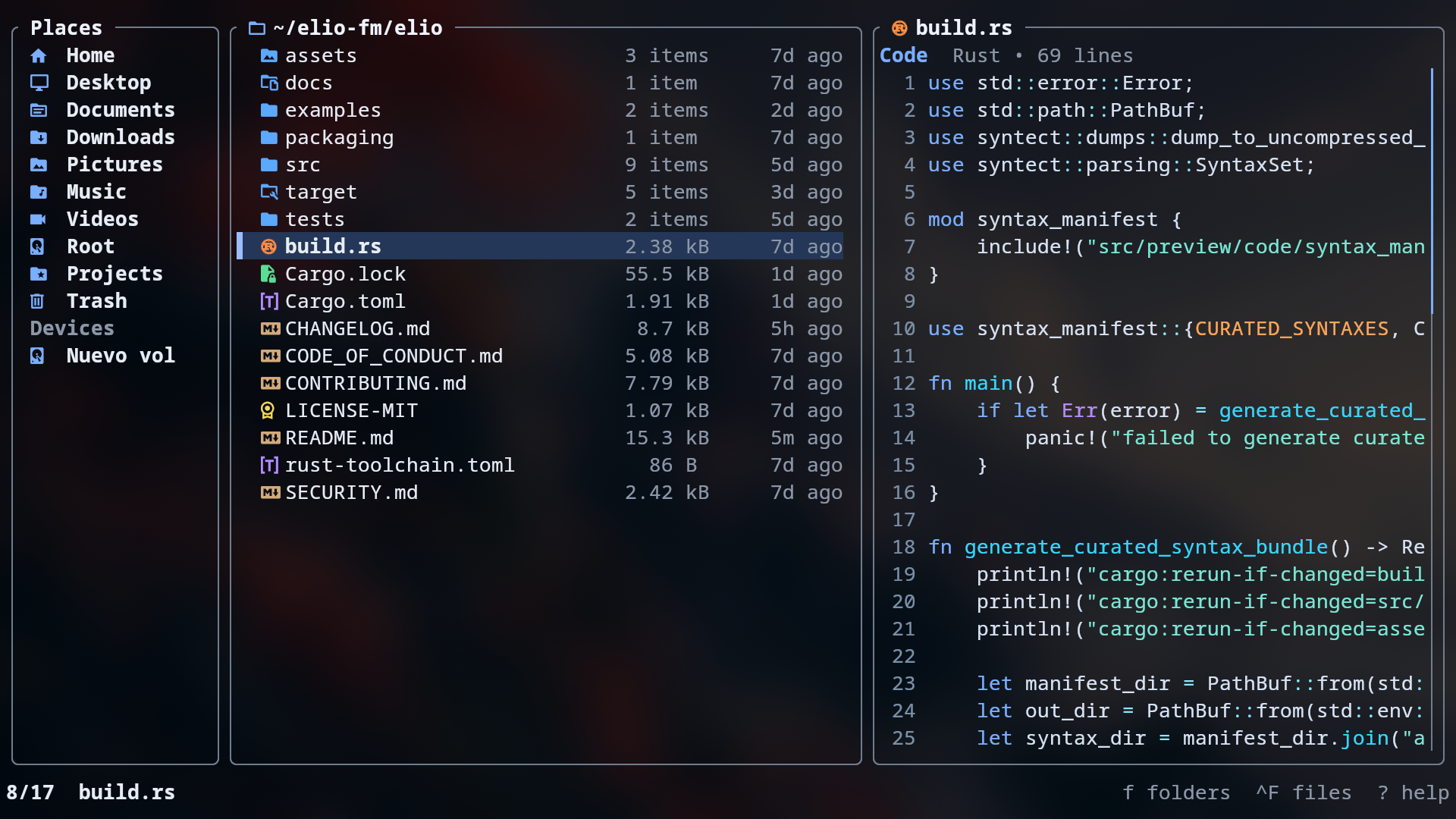
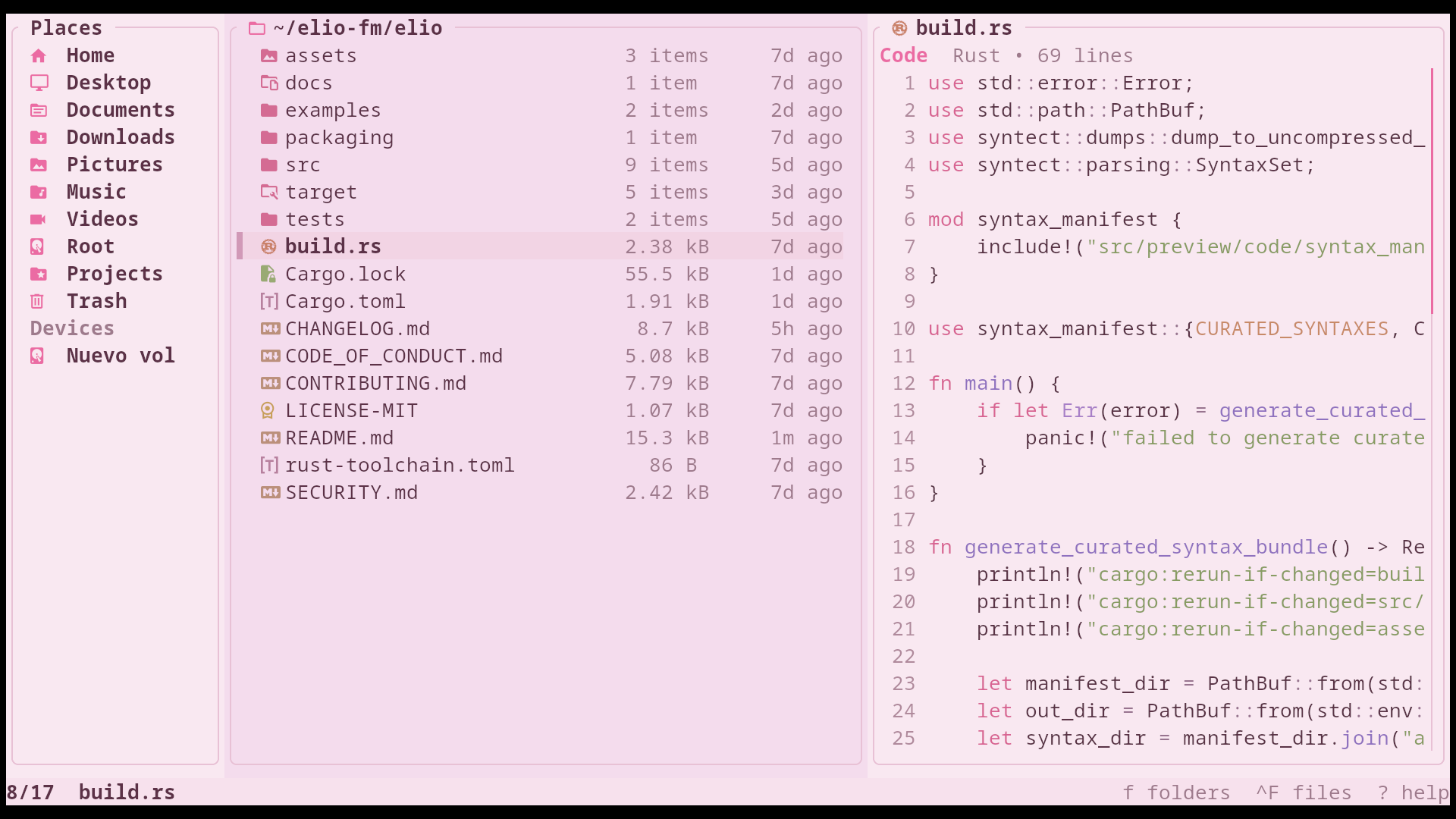
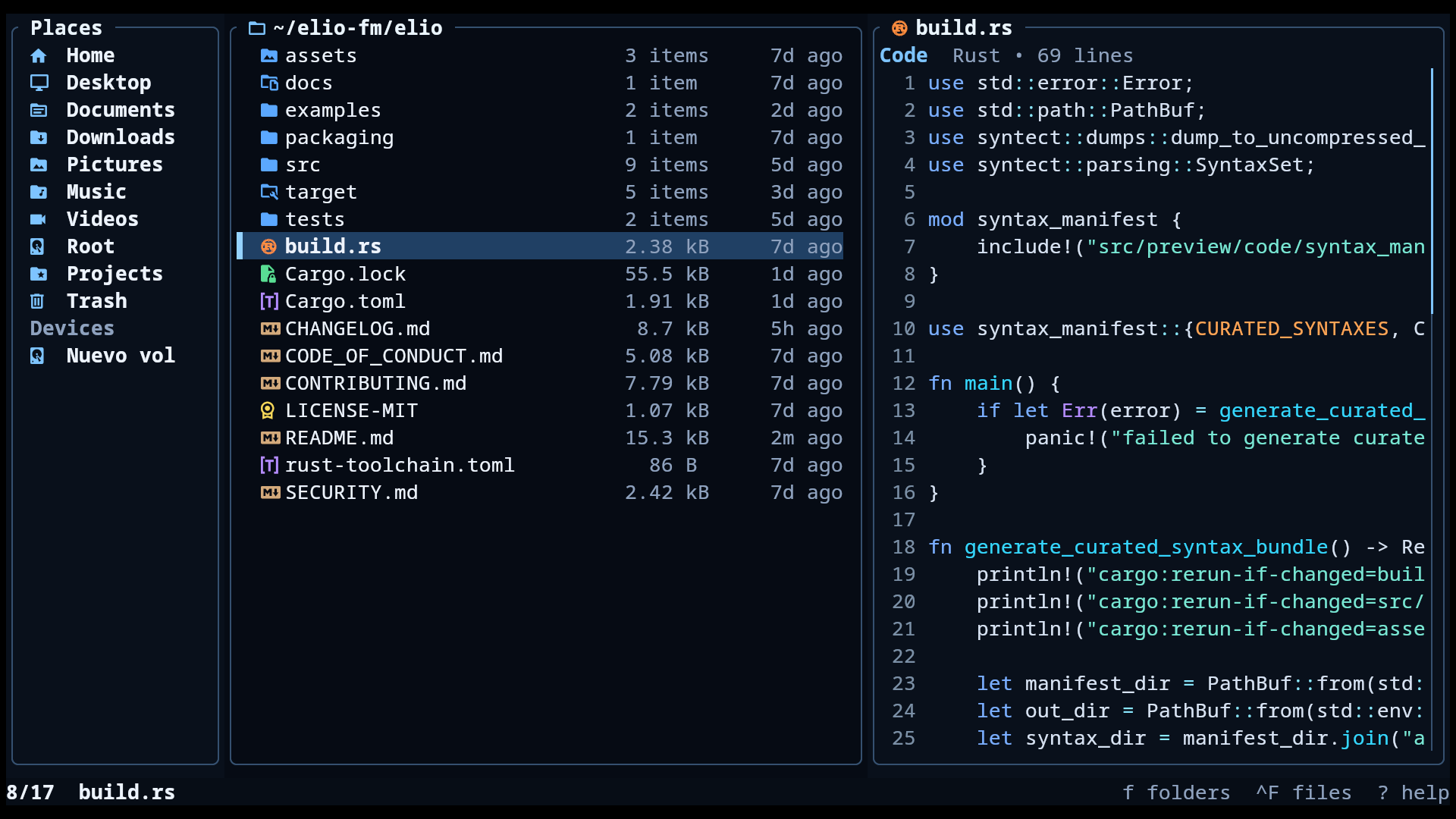
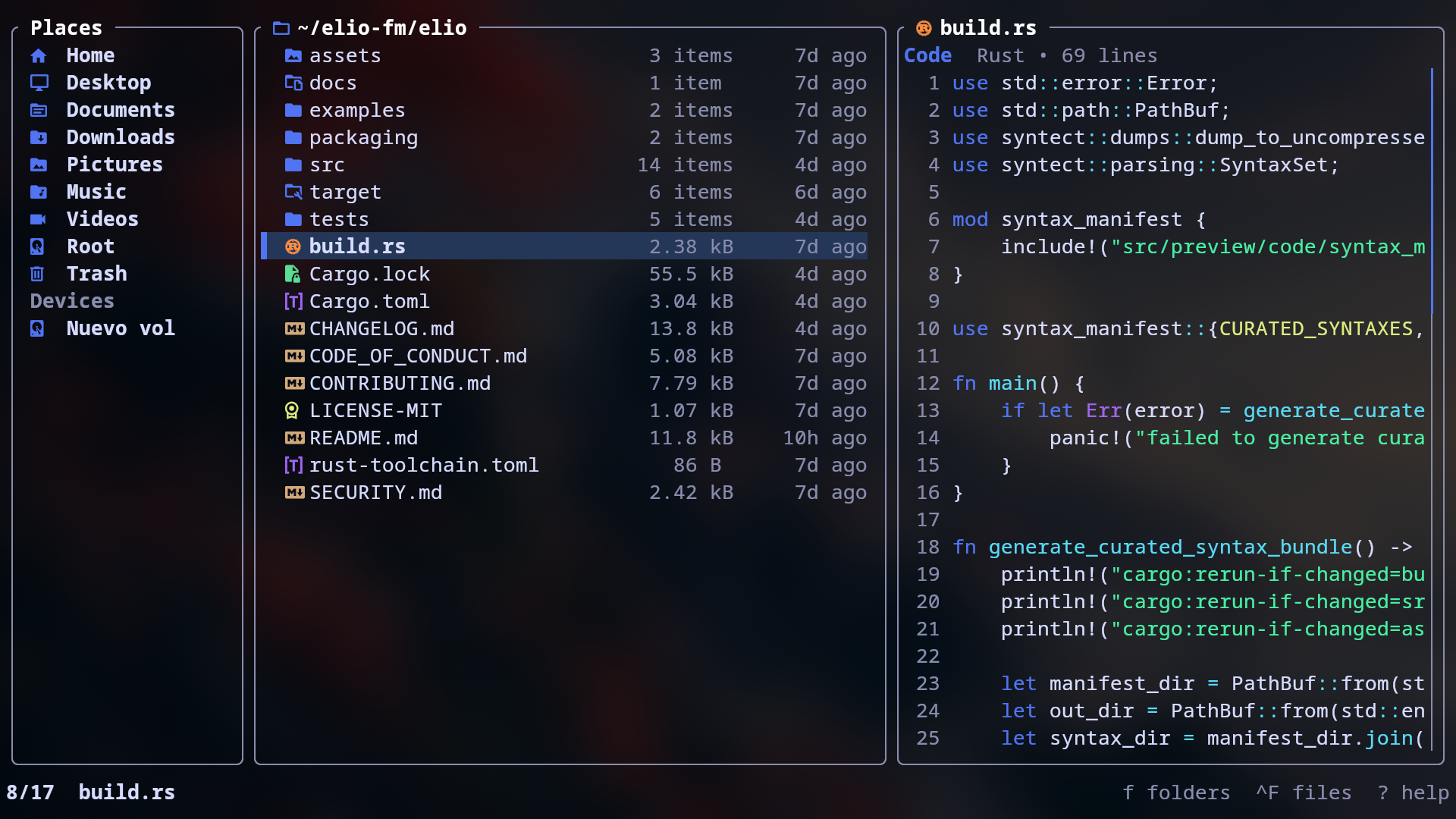
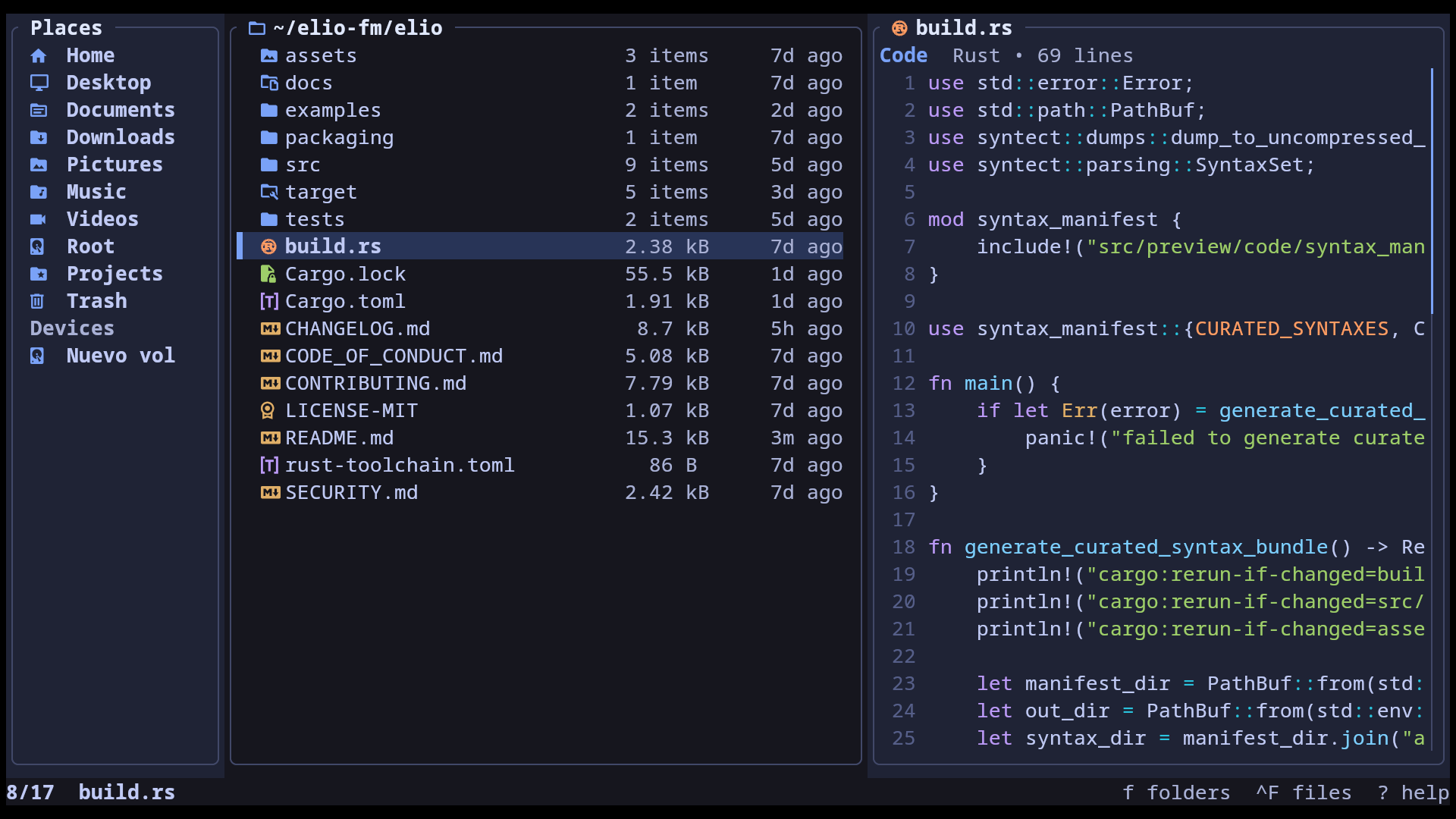
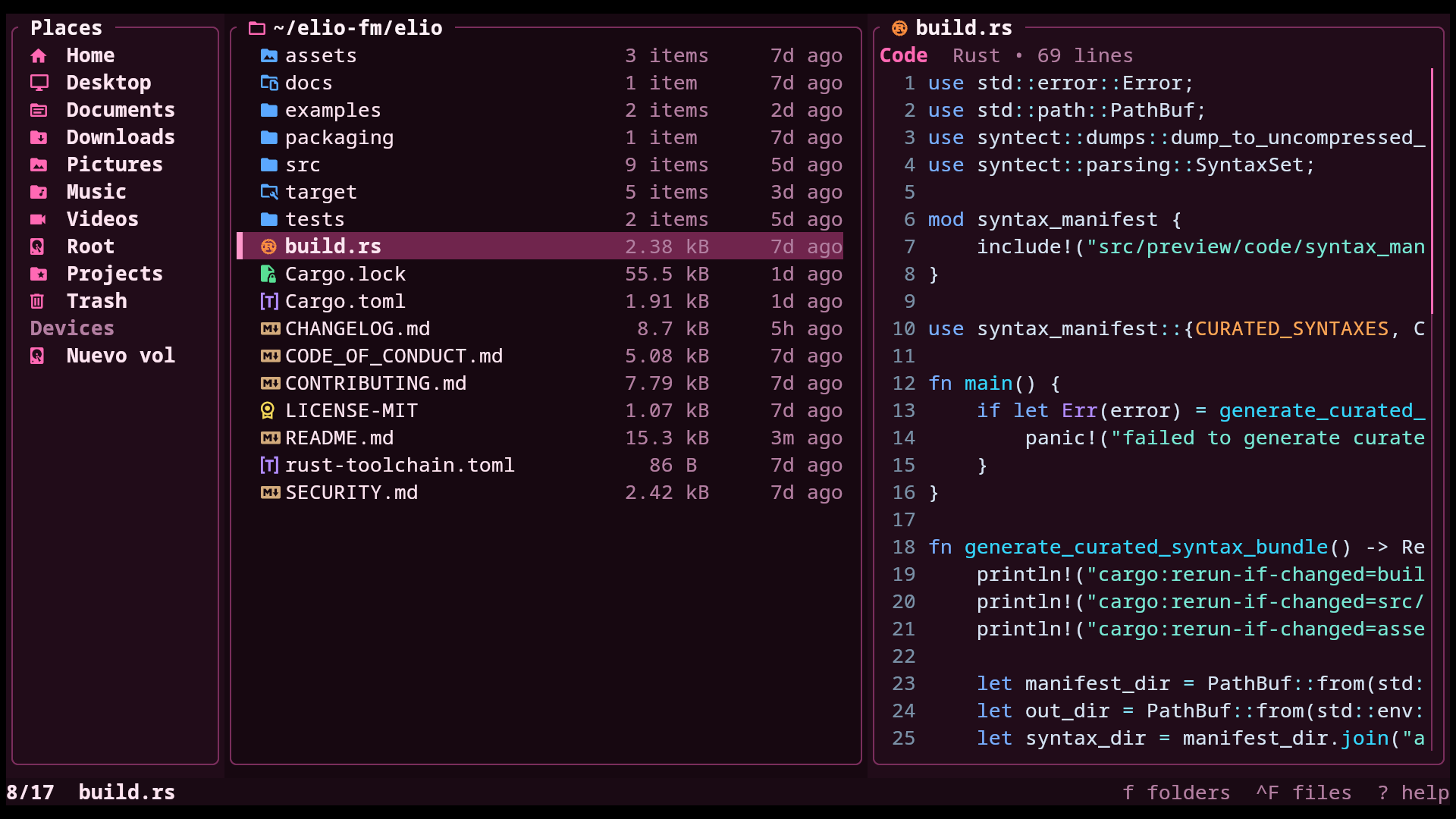
Click a theme to open its source folder and copy its theme.toml.